Web & App Development Process: 8 Steps to Launch
The 8-step web & app development process we use at GOTEN, from discovery and design to launch and support, plus what you need to prepare.
Most web & app development projects that go wrong do not fail because of code. They fail because nobody agreed what to build, decisions came too late, or testing was squeezed into the last week. A clear web & app development process prevents all three. Here are the eight steps we follow at GOTEN, what happens in each, and what you need to prepare as the client.
1. Discovery: agree on the problem
Before any design, we answer four questions: what business result should this product create, who will use it, what must it do on day one, and what can wait. The output is a short brief that everyone signs off.
What you prepare: examples you like, your current process (even if it is a spreadsheet), and the person who will make decisions.
2. Scope and plan: turn ideas into a feature list
The brief becomes a written feature list, grouped into "launch" and "later". Each feature gets a rough effort estimate, which becomes the timeline and the budget. This is the step that protects you from surprise costs. Our guide to web & app development cost explains what drives the numbers.
3. UX: map the flows
We draw how each user moves through the product: how a customer requests a quote, how an admin approves it, what happens when something fails. Wireframes are grey boxes on purpose, so feedback focuses on steps, not colours.
4. UI design: make it look and feel right
Once flows are agreed, we design the real screens in your brand style, for both desktop and mobile. You review a clickable prototype before development starts, when changes are still cheap.
5. Development: build in short cycles
We build the front end, back end, database and integrations in one- or two-week cycles. At the end of each cycle you see working software, not a progress report. For most custom work we use React and Node.js, which are fast, widely supported and easy for other developers to maintain later.
Performance and SEO are built in here, not added after launch: fast loading, clean page structure, titles and meta descriptions, and a sitemap. See our website performance optimization guide for what we check.
6. Testing: break it before your customers do
We test on real phones and browsers, with realistic data and edge cases: wrong inputs, slow connections, two people editing the same record. You then run user acceptance testing with your own team.
What you prepare: two or three people who will really use the product, plus an hour of their time.
7. Launch: go live safely
Launch covers deployment, domain and SSL, analytics, Google Search Console, redirects from any old URLs, and app store submission for mobile apps. For websites we follow the basics in Google's SEO Starter Guide. We prefer a quiet launch day with a short checklist over a big-bang release.
8. Support and iteration: keep improving
After launch we fix issues, apply security updates and watch how the product is used. Real usage is the best guide to the next features. Many of our clients run a small monthly improvement budget instead of a large rebuild every few years.
Who is involved in a web & app development project
Even a small project needs a few clear roles. On our side: a project lead who owns the timeline and your questions, a UI/UX designer, and front-end and back-end developers. On your side: one decision maker who can approve scope and designs, and two or three future users who can test. When these roles are named on day one, the web & app development process moves faster and there are fewer surprises.
How long does web & app development take?
- Company website: three to six weeks.
- Web app or customer portal: two to four months.
- Mobile app with back end: three to six months.
Timelines depend most on scope and on how quickly decisions are made, which is why steps 1 and 2 matter so much.
The web & app development process in practice
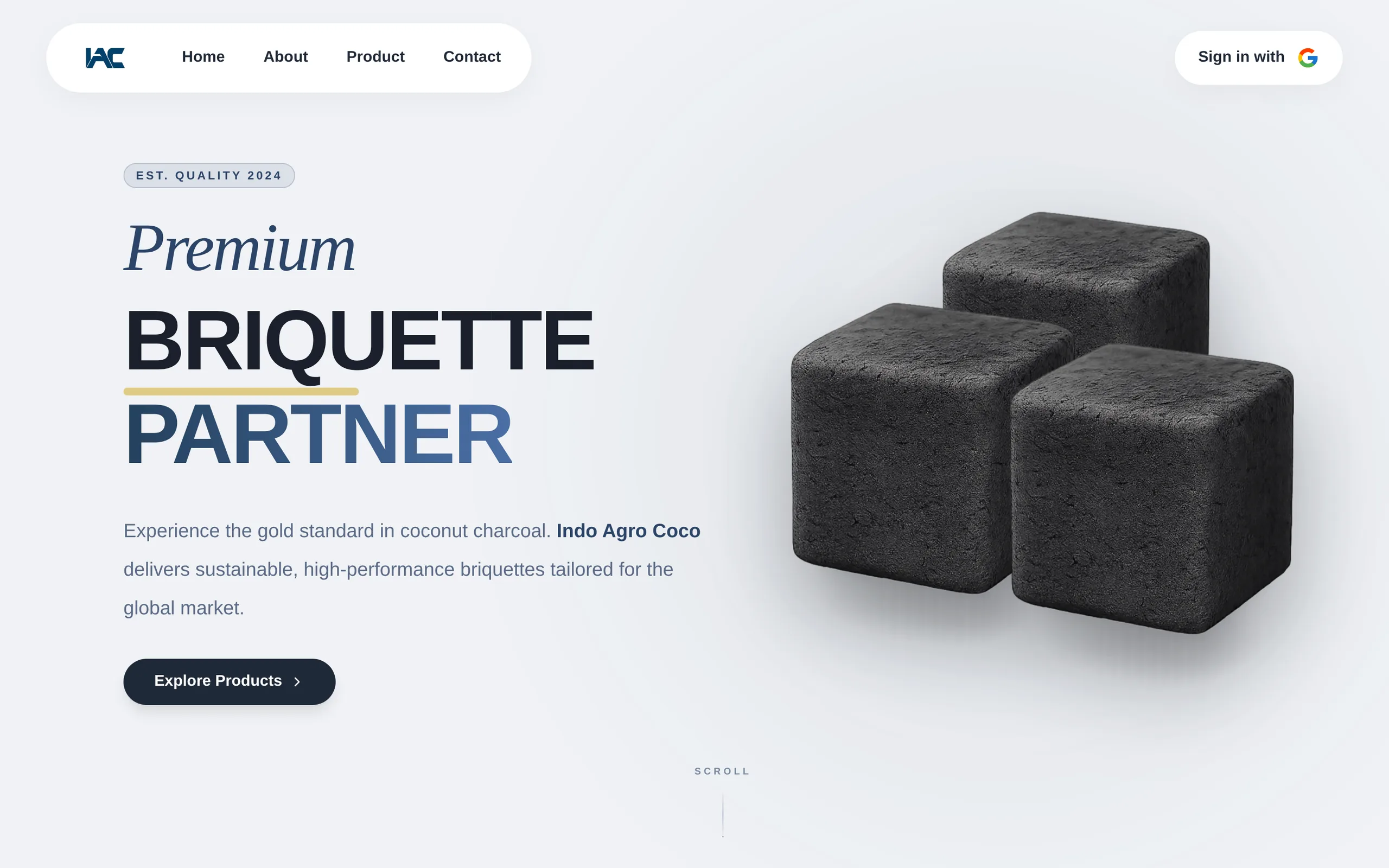
For Indo Agro Coco, discovery showed the real problem was not the website but the time spent updating buyers on shipments. The scope added a tracking portal that the team and its buyers both use. Since launch in October 2025, the team spends around 70% less time on status updates.
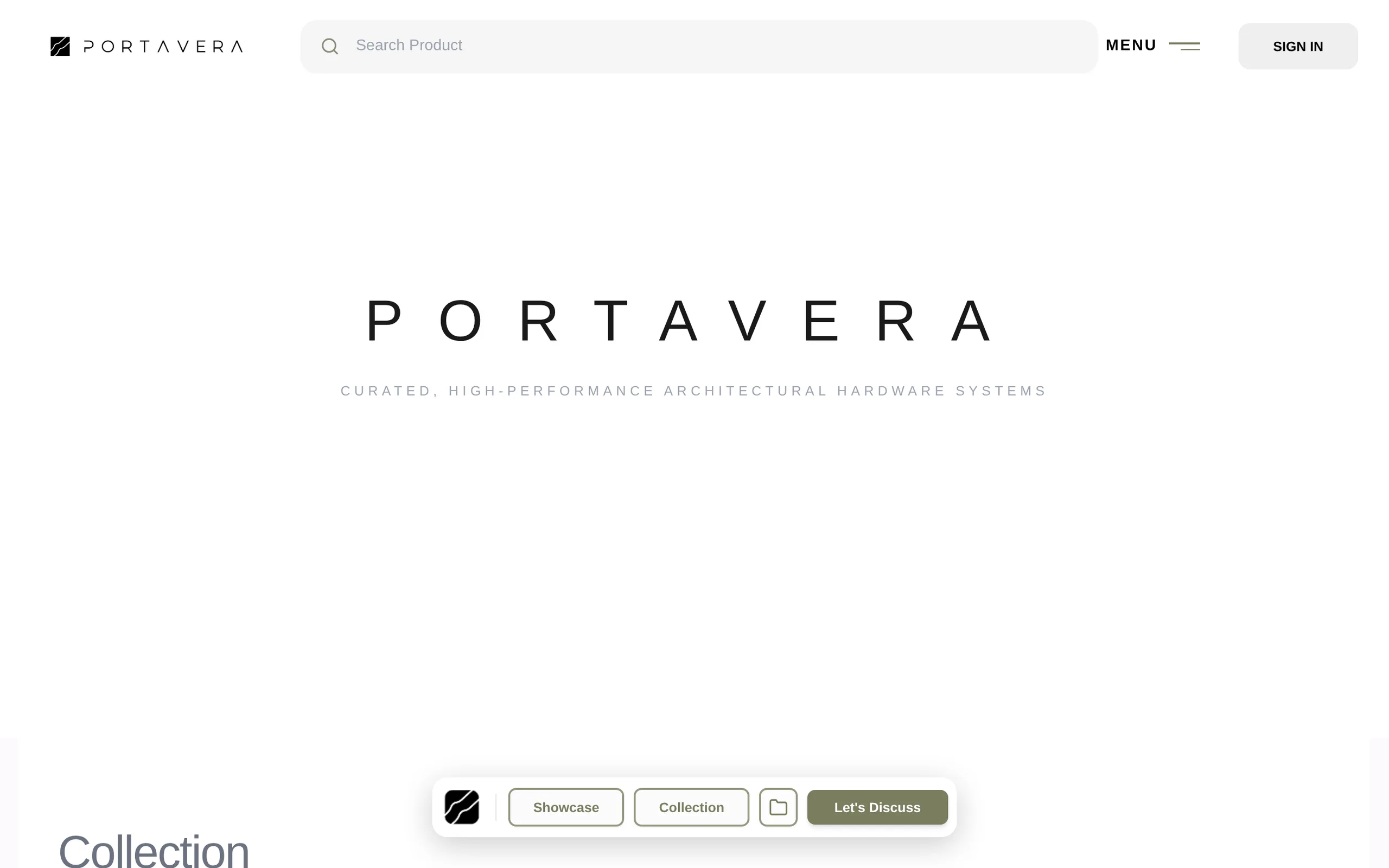
For Portavera, an architectural hardware brand, the plan turned a product catalogue into a Pinterest-style discovery platform, so people searching for hardware can browse collections visually.
Common mistakes to avoid
- Starting design before the feature list is agreed.
- Having no single decision maker on the client side.
- Leaving content and photos until the last week.
- Skipping user testing with real staff or customers.
- Treating launch as the end instead of the start.
FAQ
Can we skip discovery to save time?
You can, but it usually costs more later in rework. Even a one-week discovery saves weeks of changes.
Do we need to be technical to work with a development team?
No. You need to know your business, your customers and your goals. A good team translates that into technical decisions and explains the trade-offs.
Is the web & app development process different for websites and apps?
The steps are the same; the depth changes. A website spends more time on content and SEO, an app on flows, integrations and testing. Read web development vs app development to see which fits your goal.
Start with a short call
Want to see how this process would work for your project? Read our web & app development guide or talk to GOTEN. Or see our web & app development services.