PWA vs Native App: Which Should Your Business Build?
PWA vs native app compared for Indonesian businesses: installation, cost, updates, device features, offline use and SEO, plus when to choose each option.
When a business decides it needs "an app", the next question is what kind. Should you build a progressive web app that runs in the browser, or a native app downloaded from the App Store and Google Play? The PWA vs native app choice affects cost, launch speed, features and how customers find you. This guide compares both options in plain language so you can choose with confidence.
What is a PWA?
A progressive web app is a website built to behave like an app. Users open it in the browser and can add it to their home screen. It can work offline for some tasks, load quickly and, on many devices, send notifications. The MDN guide to progressive web apps explains the technology in more depth.
What is a native app?
A native app is installed from an app store and built for iOS and Android, either separately or with cross-platform tools such as React Native or Flutter. Native apps have the deepest access to phone features and the most polished feel, but they require app store publishing and updates.
PWA vs native app: side-by-side
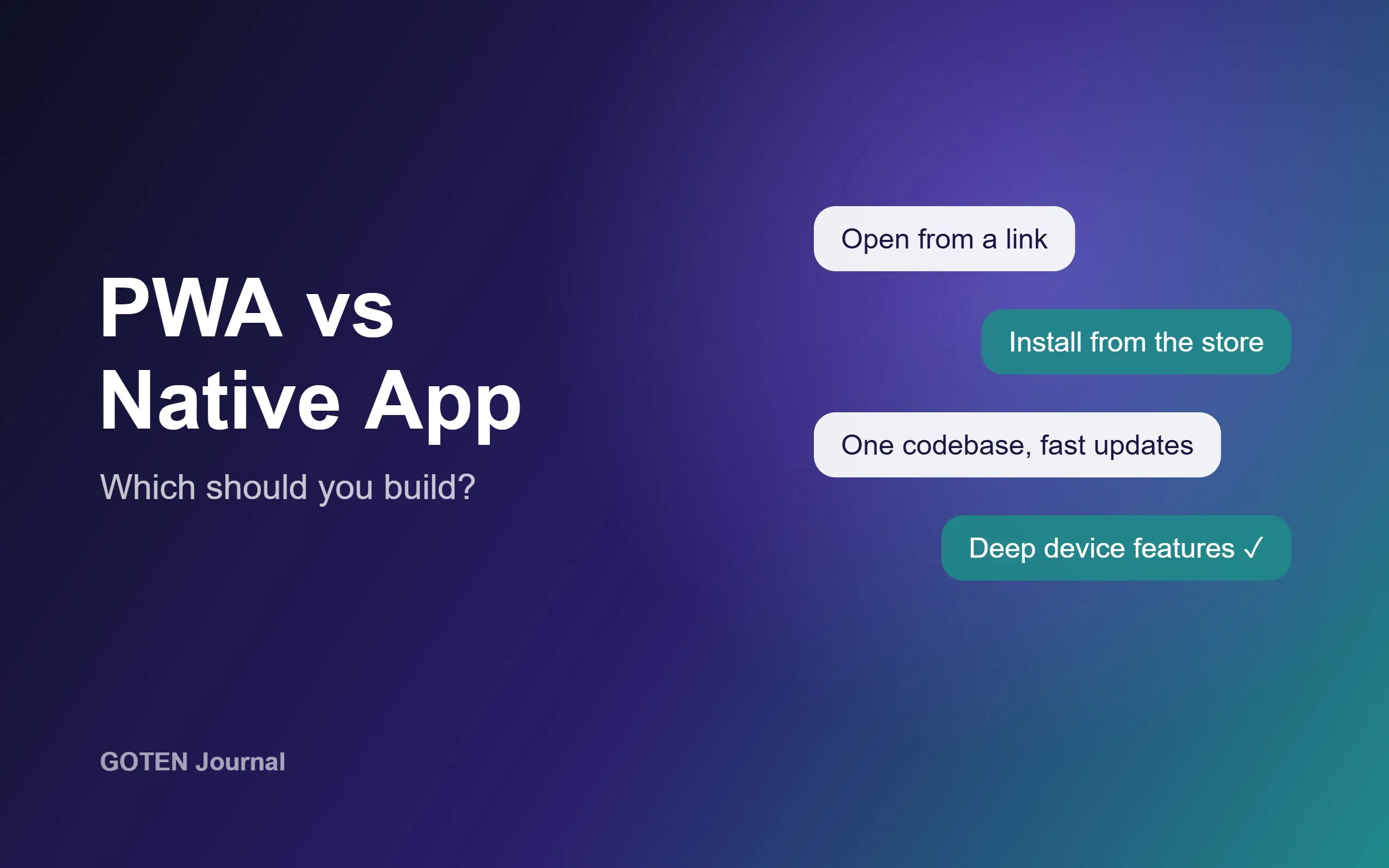
- Installation: a PWA opens instantly from a link and can be added to the home screen; a native app must be found and downloaded from a store.
- Development cost: a PWA is one codebase for all devices; native apps need iOS and Android versions or a cross-platform framework, plus store work.
- Updates: PWA updates go live as soon as you deploy; native updates often need store review and users to update.
- Device features: native apps have fuller access to Bluetooth, background tasks, advanced camera use, health data and payments inside the app; PWAs cover the common needs but with more limits, especially on iPhone.
- Performance: both can be fast for typical business apps; native wins for heavy graphics, games and complex animations.
- Discoverability: PWAs can be found through Google search and shared links; native apps are found in app stores and through ads.
- Offline use: both can support offline modes, but native apps handle large offline data and background sync more reliably.
When a PWA is the better choice
- You need to launch quickly and test an idea, for example as an MVP. See our guide to MVP development.
- Most users arrive from Google, social media or WhatsApp links.
- The app is mainly forms, dashboards, catalogues, bookings or member portals.
- You want one codebase and fast updates without store reviews.
- Budget is limited and you would rather invest in features and marketing than in two platforms.
When a native app is the better choice
- Users open the app daily and expect a polished, app-store experience.
- You need deep device features: background location, Bluetooth devices, advanced camera, biometrics or health data.
- Reliable push notifications on iPhone are central to the product.
- Being listed in the App Store and Google Play is part of your brand or business model.
- Large offline use is essential, for example field teams in areas with poor connection.
The middle path many businesses take
Many Indonesian businesses start with a responsive web app or PWA, prove demand, then add a native app for their most active users. If the web app is built with React, a later React Native app can reuse skills, design patterns and sometimes code, which keeps costs under control. Our article on choosing a web app tech stack explains why this pairing works well.
Cost and timeline differences
Because a PWA is one codebase, it is usually faster and cheaper to build and maintain than separate native apps. Native or cross-platform apps add work for device testing, store listings, review cycles and updates. For typical ranges, read mobile app development in Indonesia and web & app development cost.
Questions to decide between them
- How will most users find the product: search, links or app stores?
- How often will they use it: daily, weekly or occasionally?
- Which phone features are truly required for the first version?
- How fast do you need to launch and update?
- What is the budget for building and for maintaining over two to three years?
If most answers point to links, occasional use, standard features and speed, a PWA is the sensible start. If they point to daily use, deep device features and app-store presence, plan for native.
FAQ
Can a PWA be listed in app stores?
In some cases a PWA can be wrapped and published to Google Play, and with more work to the App Store, but each store has its own rules. Plan this early if store presence matters.
Do PWAs work on iPhone?
Yes, and support has improved, but some features, such as certain notifications and background tasks, remain more limited than on Android.
Is a PWA good for SEO?
Yes. Because it is a website, its pages can be indexed by Google, which native app screens generally cannot.
PWA vs native app: typical business examples
- Membership or class booking portal: usually a PWA or responsive web app first, because members book a few times a week and arrive from WhatsApp links.
- Product catalogue or B2B ordering: a PWA works well, and its pages can also bring visitors from Google search.
- Delivery driver or field sales app: often native, for background location, camera scanning and reliable offline sync.
- Consumer loyalty app used daily: native or cross-platform, for push notifications and app-store presence.
In each case, the deciding factor in the PWA vs native app question is how users arrive, how often they return and which phone features they truly need.
Choose the right app with GOTEN
We build responsive web apps, PWAs and mobile apps with React, React Native and Node.js, and help you decide which fits your users. See our web & app development services or read the full web & app development guide.