AI Agents for Business: What They Can and Cannot Do
What AI agents for business can and cannot do today, how they differ from chatbots and automations, example workflows and rules for adopting them safely.
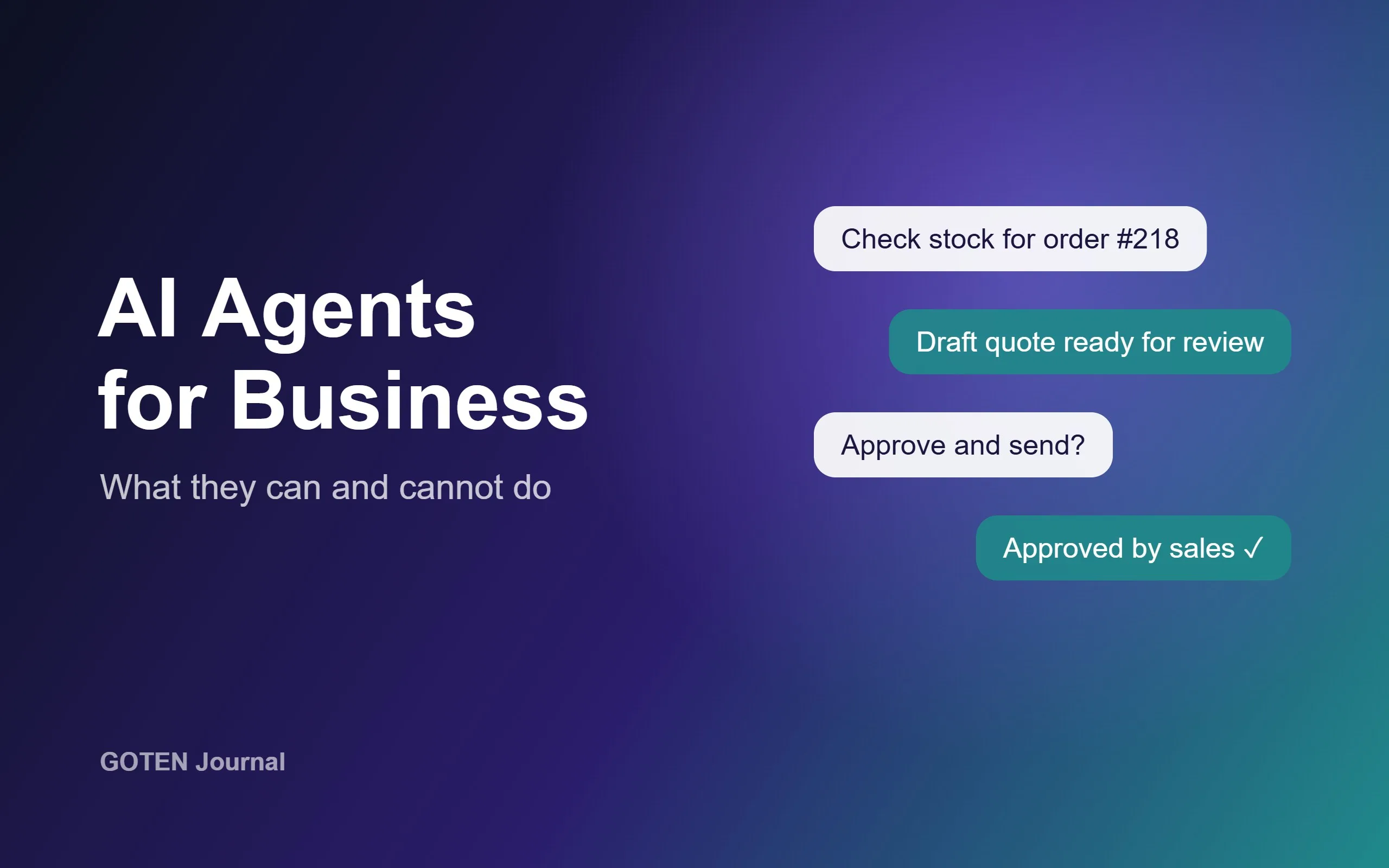
AI agents for business are getting a lot of attention. Unlike a simple chatbot, an AI agent can plan steps, use tools such as your calendar, spreadsheet or CRM, and work towards a goal with less hand-holding. That makes them powerful, and also riskier. This guide explains what AI agents for business can do today, where they still fall short, and how to adopt them safely.
Chatbot, automation or agent?
- Chatbot: answers questions in a conversation, based on the knowledge you give it.
- Automation: follows a fixed sequence you designed, such as "when an order arrives, draft the invoice and send it for approval", using AI for the reading and writing steps.
- AI agent: receives a goal, decides which steps and tools to use, checks the results and adjusts.
The more freedom you give the AI, the more useful it can be, and the more ways it can go wrong. Most businesses should move from chatbots to automations to agents gradually.
What AI agents for business can do well today
- Research and preparation: gathering information from several internal sources and preparing a summary or draft for a person to review.
- Multi-step admin: reading an email request, checking stock or availability, drafting a reply and creating a task for approval.
- Data clean-up: finding duplicates, filling missing fields and flagging inconsistencies in spreadsheets or CRMs.
- Customer follow-ups: drafting personalised follow-up messages based on previous conversations, sent after a person approves them.
- Internal helpdesk: answering staff questions and performing simple actions, such as resetting a booking.
Where AI agents still fall short
- Reliability over long tasks. The more steps an agent takes, the more chances for a small error to grow.
- Confident mistakes. Agents can act on wrong assumptions without noticing.
- Sensitive actions. Payments, deleting data, sending messages to many customers or signing agreements should not be left to an agent alone.
- Unclear goals. Vague instructions lead to unpredictable results.
Guidance such as the NIST AI Risk Management Framework recommends mapping these risks and keeping clear human oversight, which is sound advice for any business deploying agents.
Rules for using AI agents safely
- Start read-only. Let the agent read and draft before it is allowed to change anything.
- Require approval for actions that matter. Sending, paying, deleting and publishing should need a person's yes.
- Limit its tools. Give access only to the systems and data the task needs.
- Log everything. Keep a record of what the agent did and why, so mistakes can be traced and fixed.
- Set budgets and limits. Cap the number of steps, messages and usage cost per task.
- Review regularly. Check a sample of the agent's work every week, especially in the first months.
A practical path to AI agents for business
We recommend three stages:
- Assistant. A chatbot or helper that answers questions and drafts content. See AI customer service: what to automate first.
- Automation. Fixed workflows where AI handles reading and writing, with approval steps.
- Agent. Once processes and data are clean and well understood, give an agent a narrow goal and the tools to reach it.
Each stage builds the knowledge, data and trust the next one needs.
Two example workflows for AI agents for business
Quotation preparation
A customer sends a request on WhatsApp or email. The agent reads it, checks the product list and current stock, applies your pricing rules and prepares a draft quotation in your template. A salesperson reviews, adjusts if needed and sends it. The agent never sends a quote by itself, but the salesperson's work shrinks from building the quote to checking it.
Weekly customer follow-up
Every Monday, the agent reviews last week's open leads in your CRM, summarises each conversation and drafts a personalised follow-up message. The sales team approves the messages in one batch. Leads that have gone quiet are flagged for a phone call instead of another message.
Both workflows share the same pattern: the agent does the gathering and drafting, and a person keeps the final say.
How to tell if an AI agent is working
Decide the measures before launch, not after. Useful ones include the share of drafts approved without changes, the time saved per task, the number of errors caught at the approval step and how often the agent asks a person for help. Track them weekly for the first two months. If approval rates stay low, the problem is usually unclear instructions or messy data rather than the AI itself, so fix those before giving the agent more freedom.
Data and privacy
Agents often touch more systems than chatbots, which means more personal data. Make sure every tool connection follows Indonesia's Personal Data Protection Law and your own policies. Our AI data privacy checklist lists the questions to answer first.
FAQ
Are AI agents ready for small businesses?
For narrow, well-defined tasks with human approval, yes. For running whole processes unsupervised, not yet for most businesses.
Do AI agents replace employees?
Today they mostly take over preparation and routine steps, so people spend more time on decisions, customers and quality.
What does an AI agent project cost?
Agents usually need more integration and testing than chatbots, so build costs are higher. See AI for business cost for the main drivers.
Explore AI agents with GOTEN
We help businesses start small and safe, from assistants to automations to agents. Read our AI for business guide, see our AI solution development services, or tell us the task you have in mind.