AI Document Processing: Automate Invoices, Receipts and Forms
How AI document processing reads invoices, receipts, purchase orders and forms, puts the data into your system for approval, and what affects accuracy and cost.
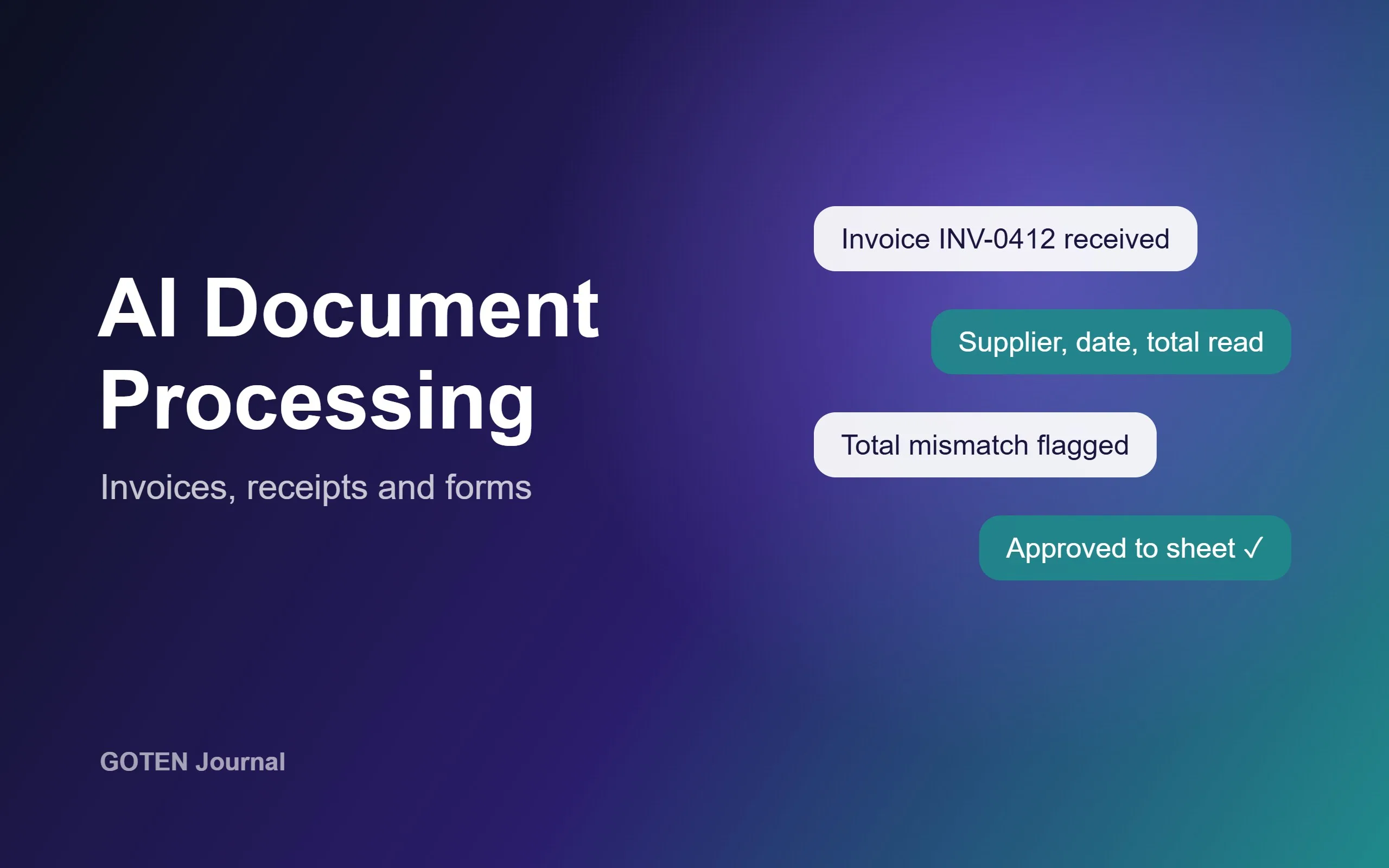
Every business has a pile of documents that someone retypes by hand: supplier invoices, receipts, delivery notes, purchase orders, registration forms. AI document processing reads those files and photos, pulls out the information you need and puts it into your spreadsheet or system for a person to approve. For many Indonesian SMEs it is one of the most practical ways to start with AI, because the work is repetitive and easy to check.
What AI document processing does
Older OCR tools turned an image into text but did not understand it. Modern AI document processing goes further:
- Reads messy inputs: scans, phone photos, PDFs and screenshots sent over WhatsApp or email.
- Understands layout: finds the supplier name, invoice number, dates, tax and line items even when every supplier uses a different template.
- Structures the data: outputs clean fields that match your spreadsheet columns or accounting system.
- Checks and flags: highlights totals that do not add up, missing fields or duplicates for a person to review.
Common documents to automate
- Supplier invoices and receipts for accounts payable and expense claims.
- Purchase orders from customers that arrive as PDFs or photos and must be entered as sales orders.
- Delivery notes and goods received notes for stock reconciliation.
- Forms and applications such as customer registrations, warranty claims or job applications.
- Contracts and agreements where you need key dates, parties and amounts summarised, with a legal review still done by a person.
How an AI document processing workflow works
- Capture. Documents arrive by email, WhatsApp, a shared folder or an upload page.
- Extract. The AI reads each document and returns the fields you defined.
- Validate. Simple rules check the result: totals match, the supplier exists, the date is sensible, the document is not a duplicate.
- Review. A person sees the document and the extracted data side by side and approves or corrects it.
- Post. Approved data goes into your spreadsheet, accounting software or ERP, with a link back to the original file.
The review step is important. It keeps accuracy high and builds trust, and over time you can approve routine documents in bulk while focusing on the ones the system flags.
Benefits you can measure
- Hours of manual data entry saved per week.
- Fewer typing errors in amounts, dates and account codes.
- Faster month-end closing and supplier payments.
- A searchable archive of documents linked to their data.
Measure these before and after a short pilot to see the real return. Our 30-day AI pilot plan explains how to set a baseline.
What affects accuracy
- Image quality. Blurry, dark or cropped photos are harder. A short guide for staff on taking photos helps a lot.
- Variety of templates. Many different suppliers are fine for modern AI, but unusual handwritten documents need more review.
- Clear field definitions. Decide exactly which fields you need and how they should be formatted.
- Validation rules. Cross-checks against your supplier list or purchase orders catch most mistakes.
An illustrative scenario
Imagine a building materials distributor that receives a few hundred supplier invoices a month, most as phone photos on WhatsApp. One admin spends most of the week typing them into a spreadsheet, and month-end checks keep finding wrong totals. With an extraction workflow, invoices forwarded to one WhatsApp number are read automatically, matched against the supplier list and open purchase orders, and shown in a review screen. The admin approves routine invoices in batches and spends her time on the few that are flagged, such as price differences or missing delivery notes. Finance gets cleaner data earlier, and every row links back to the original photo for audits.
Costs and privacy
Costs include the one-off setup and integration, AI usage per page, and someone to review and maintain the workflow. Longer documents cost more to process. For the full picture, read AI for business cost. Documents often contain personal and financial data, so storage, access and retention must follow Indonesia's Personal Data Protection Law (UU PDP). Our AI data privacy checklist covers the practical steps.
Where document processing fits in AI for business
Document processing is a back-office use case that pairs well with customer-facing ones. A business might start by reading supplier invoices, then add a WhatsApp assistant for order questions that uses the same order data. See our list of AI for business use cases for other ideas.
FAQ
Does AI document processing work with Indonesian documents?
Yes. Modern models read Indonesian and English text, local number and date formats and common tax fields, but always test with your own sample documents first.
Can it read handwriting?
Often, if the writing is reasonably clear. Plan for more human review on handwritten documents.
How long does setup take?
A focused workflow for one document type, such as supplier invoices into a spreadsheet, can usually be piloted within a few weeks. Connecting to an ERP, adding several document types or building a custom review screen takes longer, so start with the document that costs your team the most hours.
Do we need new accounting software?
Usually not. Most workflows can send data to a spreadsheet or to the system you already use.
Automate your documents with GOTEN
Send us a handful of sample documents and tell us where the data should go, and we will show you what AI document processing can extract. See our AI solution development services or read the full AI for business guide.
Most teams are surprised how quickly the review screen becomes part of their routine once the first month of documents has gone through it.