AI Knowledge Base: Help Your Team Find Answers Faster
How an AI knowledge base helps your team find answers from SOPs, policies and product sheets: use cases, setup steps, accuracy, security and how to measure impact.
Every company has knowledge scattered across SOP documents, WhatsApp groups, spreadsheets, email threads and the heads of a few senior people. New staff ask the same questions again and again, and answers change depending on who you ask. An AI knowledge base turns that scattered information into one assistant your team can ask in plain language, with answers based on your own documents. This guide explains how it works, where it helps and how to set one up without chaos.
What an AI knowledge base is
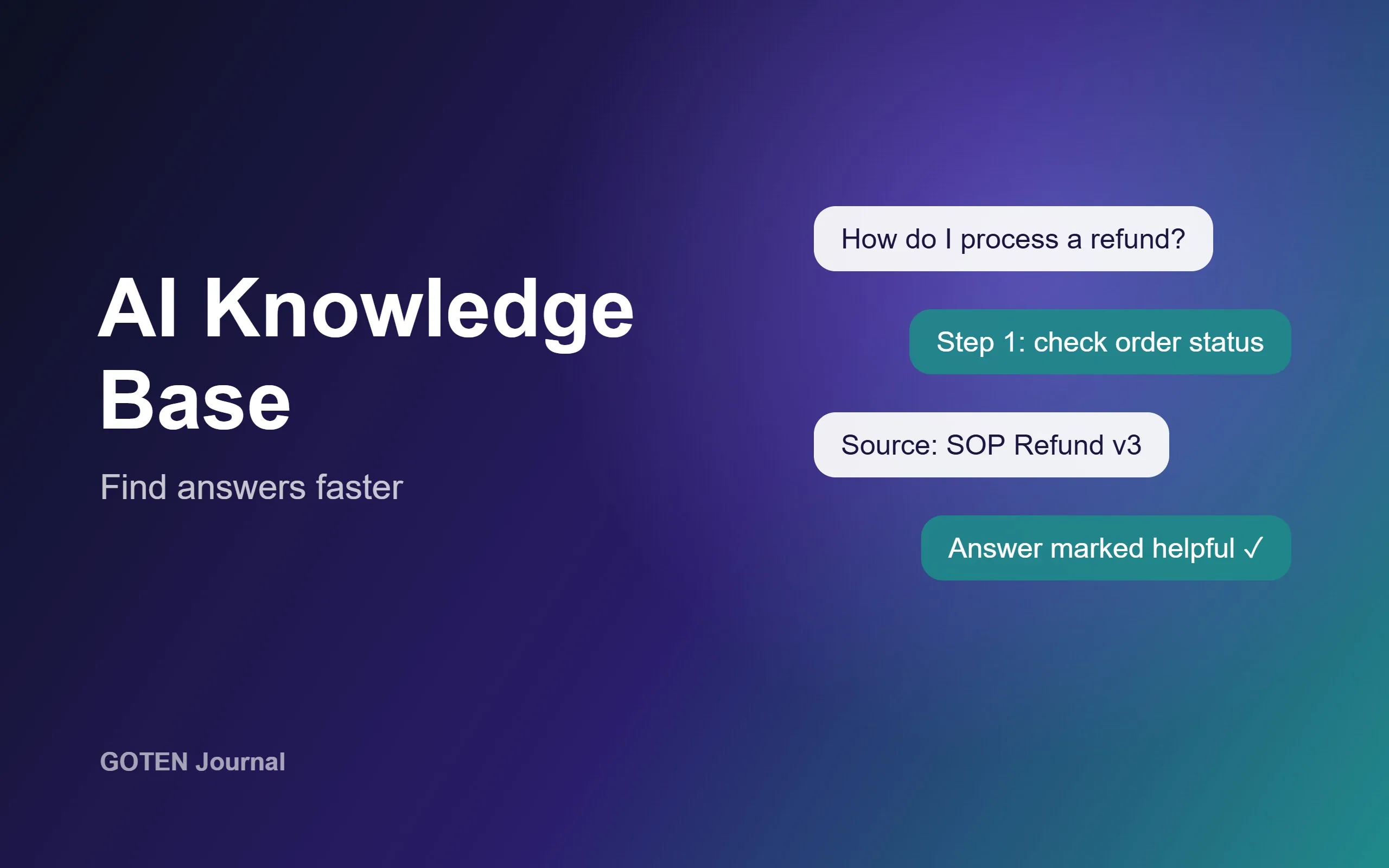
A traditional knowledge base is a set of pages people must search and read. An AI-powered version adds a conversational layer: staff type a question such as "How do we process a refund for a marketplace order?" and the assistant finds the relevant parts of your documents, writes a short answer and shows the source so the person can check it.
Technically, this usually means indexing your documents so the AI can retrieve the right passages before answering, rather than relying on what a general model happens to know. The result is answers grounded in your policies, not the internet.
Where an AI knowledge base helps most
- Onboarding new staff. New hires get answers immediately instead of waiting for a busy supervisor.
- Customer service teams. Agents find the correct policy, warranty term or troubleshooting step while the customer waits. See how this connects to AI customer service.
- Sales teams. Product specs, price rules and comparison points are one question away. Our guide to AI for sales shows how this speeds up quotes.
- Operations and branches. Outlets and warehouses follow the same SOPs, even when head office is far away.
- HR and admin. Leave rules, reimbursement steps and IT how-tos without repeated messages to HR.
What you need before you start
- A clear scope. Start with one area, such as customer service policies or onboarding, not the whole company.
- Current, approved documents. Remove outdated versions. If two documents disagree, the AI will be confused too.
- An owner. One person or team responsible for keeping content up to date and reviewing feedback.
- Access rules. Decide who may see what. Salary data and HR cases should never appear in a general assistant.
How to set up an AI knowledge base step by step
- Collect and clean documents. SOPs, FAQs, product sheets and policies, converted into readable text with clear titles and dates.
- Structure them. Group by topic and add short summaries. Well-structured content produces better answers.
- Connect the assistant. Choose where staff will ask questions: a web app, Slack, Microsoft Teams or WhatsApp for internal use.
- Test with real questions. Gather fifty questions staff actually ask and check every answer and source.
- Launch to a pilot group. Let one team use it for a few weeks, collect feedback and fix gaps. Our 30-day AI pilot plan gives a simple structure.
- Keep it fresh. When a policy changes, update the source document first; the assistant follows.
Accuracy and trust
The assistant must be trustworthy, or people stop using it. Three practices help:
- Always show sources. Every answer should link to the document it came from.
- Allow "I don't know". The assistant should say when the documents do not cover a question instead of guessing.
- Collect feedback. A simple thumbs up or down on each answer shows where content is missing or unclear.
Frameworks such as the NIST AI Risk Management Framework recommend this kind of transparency and monitoring for any AI system that people rely on.
Security and privacy
Internal documents can contain customer data, contracts and financial details. Choose AI providers and settings that do not use your data to train public models, restrict access by role and keep logs of who asked what. Our AI data privacy checklist covers the essentials under Indonesia's PDP Law.
Measuring the impact
- Time new staff need to become independent.
- Number of repeated questions to supervisors or HR.
- Average handling time in customer service.
- Share of answers rated helpful.
FAQ
Is an AI knowledge base the same as a chatbot for customers?
They use similar technology, but an internal knowledge base serves staff and can include internal procedures that customers should not see. Many businesses start internally, then reuse the cleaned content for a customer-facing assistant.
Which documents work best?
Clear, current text documents: SOPs, FAQs, policies and product sheets. Scanned images and very long, messy files need cleaning first.
How much does it cost?
Costs depend on the number of documents, users and integrations. Read AI for business cost for the main drivers.
Common mistakes to avoid
- Uploading everything at once. Thousands of unsorted files produce vague answers. Start small and add content in batches.
- No owner after launch. Without someone updating documents, answers slowly drift out of date and trust disappears.
- Mixing confidential and general content. Keep HR, finance and legal material in separate spaces with their own access rules.
- Treating it as a one-off project. The best assistants improve every month as teams flag missing or unclear answers.
A focused start, a named owner and a habit of monthly updates make the difference between a tool people trust and one they quietly ignore.
Build your AI knowledge base with GOTEN
We help Indonesian businesses turn scattered documents into a secure assistant that staff actually use. See our AI solution development services or read the full AI for business guide.
Start with the questions your team asks every week, and let real usage tell you what to add next.